Creating Strong Passwords for Kids โ Cyber Elementary Lesson 1
Lesson 1 from the Cyber Elementary video series โ a kid-friendly walkthrough of what makes a password strong and how to build one that's hard to crack.
Visit Cyber Elementary on YouTube at youtube.com/@CyberElementary. Every video below has its own shareable link โ videos accompany lessons, worksheets, and quizzes. Use them in the classroom, homeschool, or micro school.
Lesson 1 from the Cyber Elementary video series โ a kid-friendly walkthrough of what makes a password strong and how to build one that's hard to crack.
Lesson 2 from the Cyber Elementary video series โ a kid-friendly look at why software updates matter and how they help keep devices and information safe.
Lesson 3 from the Cyber Elementary video series โ a kid-friendly look at how to spot sneaky phishing tricks and stay safe from scams online.
Lesson 4 from the Cyber Elementary video series โ a kid-friendly look at what malware is and how kids can help keep their devices safe from it.
Lesson 5 from the Cyber Elementary video series โ a kid-friendly look at how to keep your home Wi-Fi secure and avoid common wireless network risks.
Lesson 6 from the Cyber Elementary video series โ a kid-friendly look at what personal information is and why it's important to keep it private online.
Lesson 7 from the Cyber Elementary video series โ a kid-friendly introduction to two-factor authentication and how it adds an extra layer of protection to online accounts.
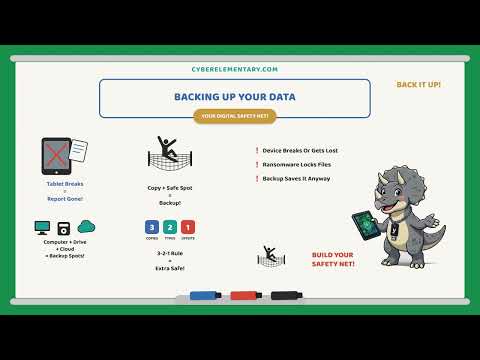
Lesson 8 from the Cyber Elementary video series โ a kid-friendly look at why backing up your data matters and how to make sure important files are never lost.
Lesson 9 from the Cyber Elementary video series โ a kid-friendly look at locking devices, using tracking features, and protecting them if they're ever lost or stolen.
All 9 Cyber Security Basics lessons back-to-back in one video โ Choco, Nacho & Strawberry cover passwords, updates, phishing, malware, Wi-Fi, personal info, 2FA, backups, and device security in a single 22-minute watch, perfect for catching up on the whole unit at once.
Lesson 10 from the Cyber Elementary video series โ a kid-friendly look at why it's important to pause and think before posting online, and how to make smart choices on social media.
Lesson 11 from the Cyber Elementary video series โ a kid-friendly look at how everything we do online leaves a digital footprint, and why it's important to think about the trail we leave behind.
Lesson 12 from the Cyber Elementary video series โ a kid-friendly look at how hurtful words online can't be taken back, and why it's important to think before typing something unkind.
Lesson 13 from the Cyber Elementary video series โ a kid-friendly look at how a private account works like a guest list, so only approved people can see what you share online.
Lesson 14 from the Cyber Elementary video series โ a kid-friendly look at why online strangers might not be who they say, the warning signs of catfishing, and the one rule that never changes: never share personal info, and never agree to meet an online stranger in person.
Lesson 15 from the Cyber Elementary video series โ a kid-friendly look at why not everything online is true, the 3 questions to ask before trusting a website (who wrote it, why, and does it match other trusted sources), and "lateral reading," the trick real fact-checkers use to double-check surprising claims.
Lesson 16 from the Cyber Elementary video series โ a kid-friendly look at digital balance: why screens are great but shouldn't be the only thing on your plate, the difference between active and passive screen time, and simple habits like taking breaks and keeping screens out of the bedroom at bedtime.
Lesson 17 from the Cyber Elementary video series โ a kid-friendly look at being a good sport in online games: playing fair, staying kind to other players, and knowing what to do if a game stops being fun.
Lesson 18 from the Cyber Elementary video series โ a kid-friendly look at spotting the red flags of something wrong online and speaking up the right way: telling a trusted adult instead of handling it alone.
All 9 lessons from the second unit back-to-back in one video โ pausing before you post, digital footprints, choosing kind words, private accounts, online strangers, spotting misinformation, digital balance, good sportsmanship, and speaking up about red flags, perfect for catching up on the whole unit at once.
Lesson 19 from the Cyber Elementary video series โ a kid-friendly look at how the Golden Rule applies online too: treating others the way you'd want to be treated, even behind a screen.
Lesson 20 from the Cyber Elementary video series โ a kid-friendly look at copyright and plagiarism: why it matters to give credit for others' work online and how to do it the right way.
Lesson 21 from the Cyber Elementary video series โ a kid-friendly look at email and messaging etiquette: how to write clearly, stay polite, and communicate respectfully online.
Lesson 22 from the Cyber Elementary video series โ a kid-friendly look at video chat and webcam safety: smart habits for staying safe and comfortable on camera.
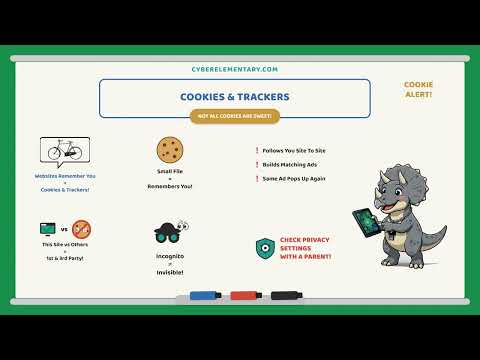
Lesson 23 from the Cyber Elementary video series โ a kid-friendly look at cookies and trackers: what they are, how websites use them, and simple habits for protecting your privacy online.
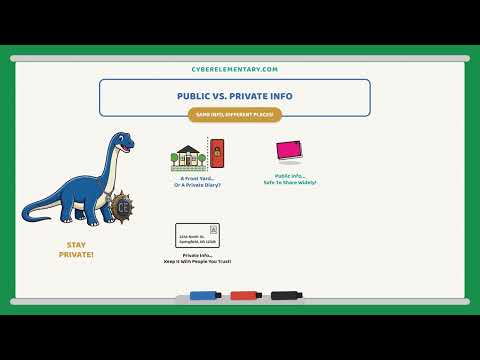
Lesson 24 from the Cyber Elementary video series โ a kid-friendly look at the difference between public and private information, and how to keep personal details safe online.
Lesson 25 from the Cyber Elementary video series โ a kid-friendly look at spotting the red flags of an online scam and knowing what to do if something feels off.
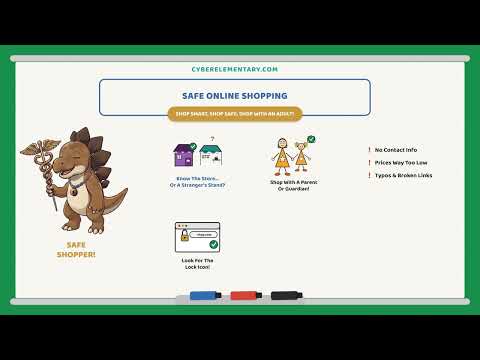
Lesson 26 from the Cyber Elementary video series โ a kid-friendly look at safe online shopping: spotting secure sites, protecting payment info, and avoiding scams before you buy.
Lesson 27 from the Cyber Elementary video series โ a kid-friendly look at cleaning up your digital footprint: reviewing old posts and accounts and taking control of what's out there.
All 9 lessons from the third unit back-to-back in one video โ treating others online the way you'd want to be treated, giving credit for others' work, email and messaging etiquette, video chat and webcam safety, cookies and trackers, public vs. private info, spotting scams, safe online shopping, and cleaning up your digital footprint, perfect for catching up on the whole unit at once.
Lesson 28 from the Cyber Elementary video series โ a kid-friendly introduction to what artificial intelligence is and how it shows up in everyday apps and games.
Lesson 29 from the Cyber Elementary video series โ a kid-friendly look at how AI chatbots work and how to think critically about what they tell you.
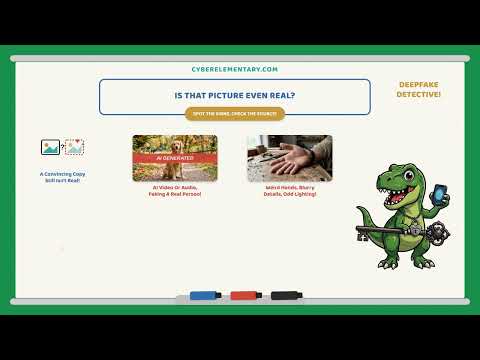
Lesson 30 from the Cyber Elementary video series โ a kid-friendly look at spotting fake or manipulated images online and why it pays to look closely before believing what a picture shows.
Lesson 31 from the Cyber Elementary video series โ a kid-friendly look at how AI can sometimes be unfair or biased, and why it's important to think critically about the answers AI gives.
Lesson 32 from the Cyber Elementary video series โ a kid-friendly look at how AI and voice assistants listen and learn, and simple habits for protecting your privacy around smart devices.
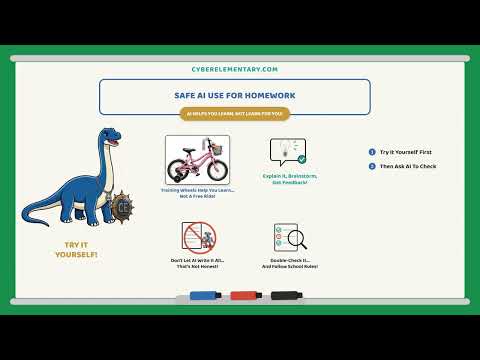
Lesson 33 from the Cyber Elementary video series โ a kid-friendly look at using AI responsibly for homework: when it's a helpful tool and when leaning on it crosses into cheating.
Lesson 34 from the Cyber Elementary video series โ a kid-friendly look at spotting AI-generated misinformation and simple fact-checking habits for figuring out what's real online.
Lesson 35 from the Cyber Elementary video series โ a kid-friendly look at what personal data AI apps collect and simple habits for keeping that information safe.
Lesson 36 from the Cyber Elementary video series โ kids wrap up the AI safety batch by making their own pledge to use AI responsibly.
All 9 AI Security & AI Safety lessons back-to-back in one video โ what AI is, how chatbots work, spotting fake images, AI bias and fairness, privacy with voice assistants, safe AI use for homework, AI misinformation and fact-checking, protecting your data from AI apps, and making your AI citizenship pledge, perfect for catching up on the whole unit at once.